Tuning TONEX to Your System
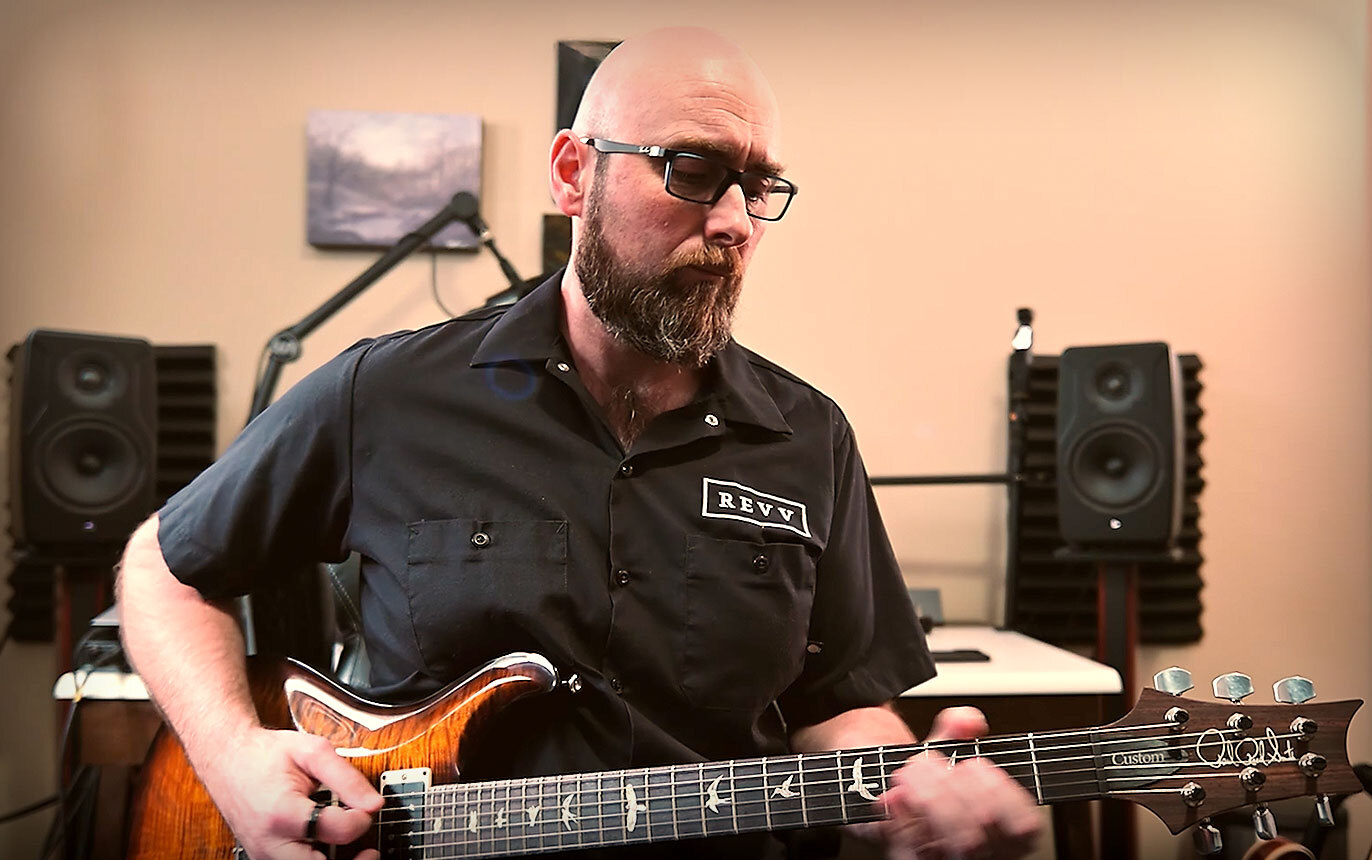
Jason Sadites presents a practical way to improve any Tone Model
TONEX provides an intuitive, user-friendly workflow for editing and organizing your entire tone library. You can add and adjust every parameter, including effects like modulation, delay, reverb, compression, noise gate, and EQ, all from the home screen.
Here's a rundown of what you'll learn in this video from Jason Sadites.
- Dial in better tone in seconds – Use the Advanced EQ inside TONEX to quickly refine your sound without changing pedals, amps, or hardware.
- Shape your lows and highs with Shelf EQ – Set bass and treble shelves to create broad, musical tone control that easily fixes harsh brightness or muddy low end.
- Improve clarity with focused mid control – Make subtle mid-frequency adjustments to reduce boxiness and clean up your sound without thinning it out.
- Optimize for any guitar or monitoring setup – Tailor your tone for different guitars, speakers, headphones, or FRFR systems so it translates consistently everywhere.
- Save custom presets – Store your EQ settings for different rigs and switch instantly between profiles.
These are nice broad strokes and subtle changes that can really improve just about any Tone Model.
Visit Jason Sadites on YouTube for more reviews.
Both the TONEX Pedal and TONEX ONE include AmpliTube 5 and TONEX software versions, allowing you to explore and create exciting tones. Easily organize your favorites with the TONEX editor and load them to the pedal for gigs or recording sessions.

TONEX Pedal |

TONEX ONE |